

Book places for your family
Open the mosque's published event, choose Book places, read its booking notice and confirm your contact phone. A code reserves no places. If booking is closed, contact the mosque.
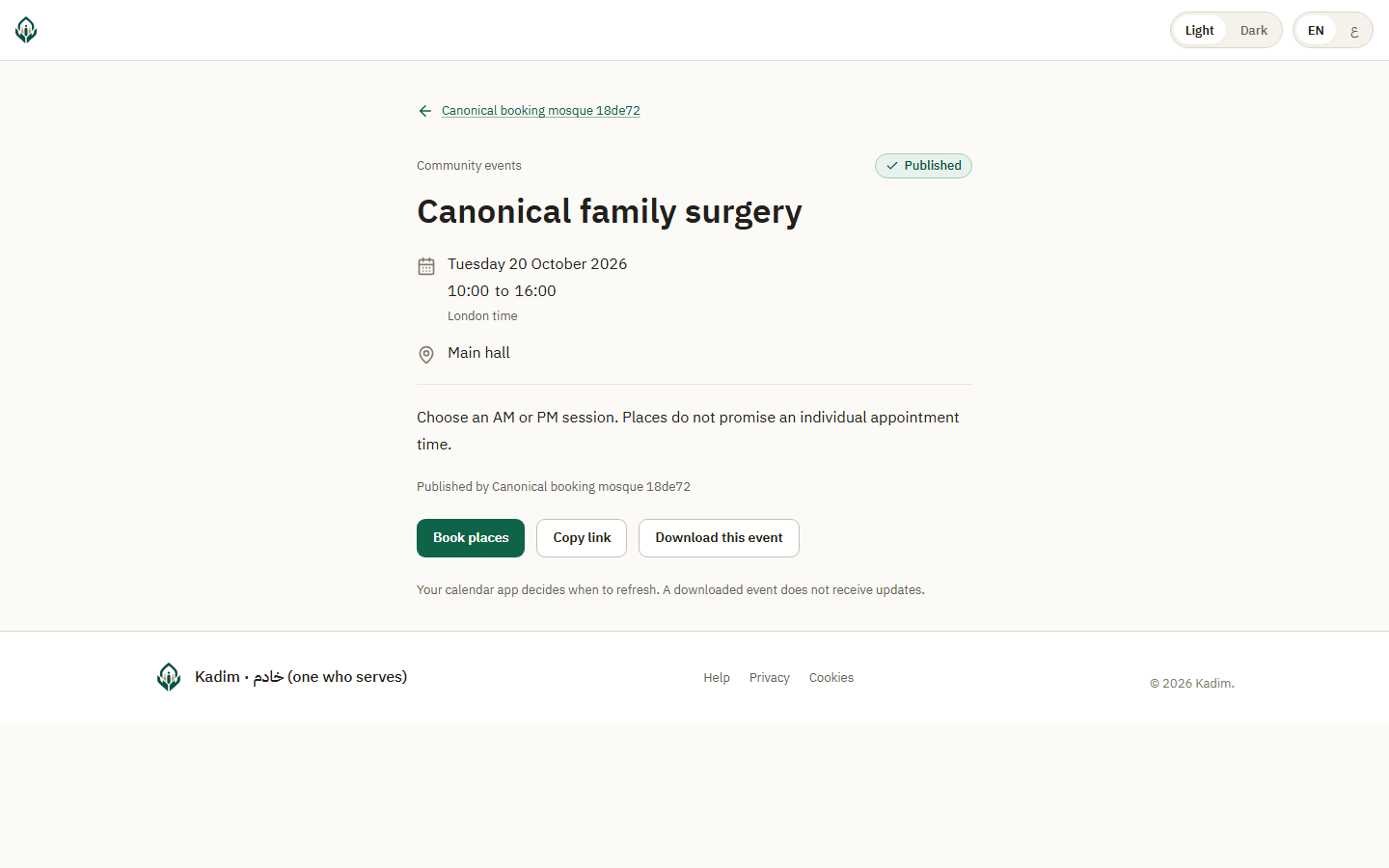
- Choose the Number of applicants, then Show applicant fields. Each person needing a place counts separately, including children. One request can include up to twenty.
- Review the session's times and remaining places. Choose Enter applicants for this session.
- Enter the contact display name, the same confirmed phone and a short display name for each applicant. Do not enter document numbers or personal circumstances.
- Choose Book these places. Everyone listed is booked together, or no places are reserved.
- Wait for Your places are booked, then save or print the confirmation and reference. Save the private management link and keep it private. No confirmation message is sent automatically.
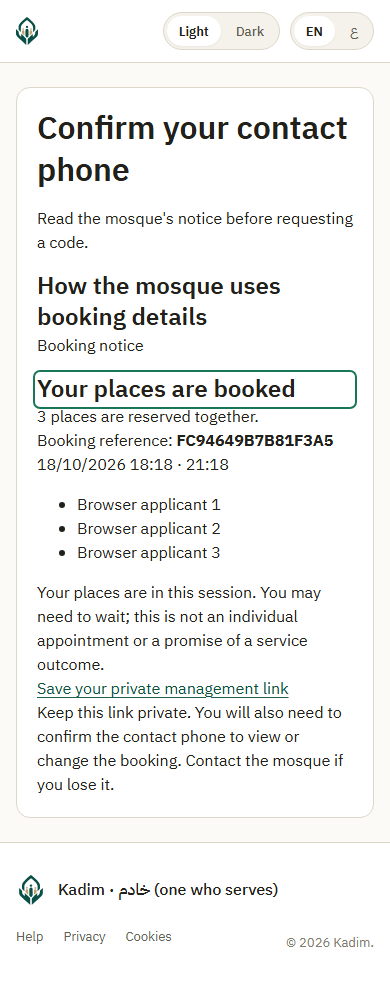
A session reserves attendance during its window. Waiting may be necessary; it is not an individual appointment or a promise about the service outcome.
If there are too few places, no part of the family is booked. Choose another session or contact the mosque. If an applicant may already have a place with this contact, ask the mosque to check before booking again. Do not change their name to bypass the warning.
If confirmation expires, confirm the same phone again. Retrying an unchanged request does not create another family. A lost response can recover the same reference and replace the private link; keep the latest link. If you need help with changes or lose your link/phone, contact the mosque using the reference. A reference alone grants no access or reception authority.
Use your saved link to view your private booking with a fresh contact code.