

Confirm your contact phone for an event
Ask the mosque for its contact confirmation link. The mosque must approve its booking data notice and open intake before the page accepts a phone number. If intake is closed, contact the mosque; the page does not collect your details.
- Open the link and read the mosque's notice.
- Enter your UK mobile number and choose Send a code.
- Enter the six-digit code on the same browser within five minutes, then choose Confirm my phone. After five incorrect attempts, request a fresh code.
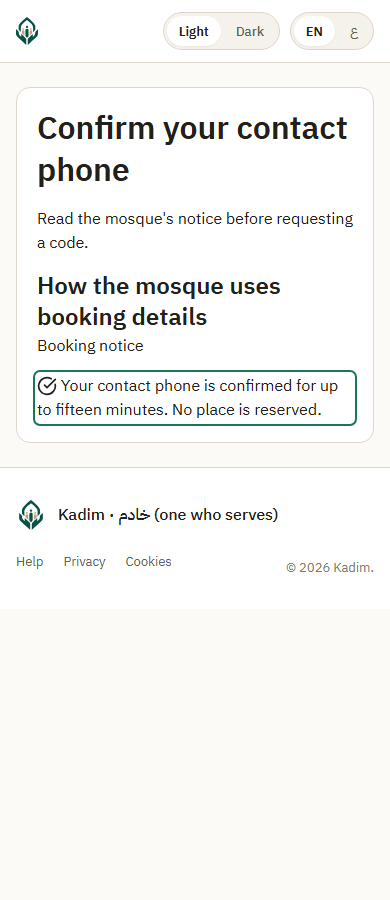
- The confirmation lasts up to fifteen minutes. It confirms this contact phone for this event, without creating a volunteer account. No place is reserved by a code or confirmation.
If the code expires, choose Request a fresh code. Wait at least one minute between requests. Shared send limits can require a longer wait; repeatedly tapping does not bypass them. No code is sent automatically when confirmation expires.
Changing browser, a changed notice or closed intake may require starting again. If you cannot receive a code or the number is unsupported, contact the mosque. A code does not prove an applicant's identity and does not permit reception or another event's records.
When your phone is confirmed, enter the family and book places. Capacity is checked only when the complete booking commits.